

Log the right live data before swapping parts on a SID212EVO Ford EcoBlue. Save time, avoid guesswork, and fix it once.
Call 074040 22260.
If you replace parts on SID212EVO without logging live data, you often fix the symptom, not the failed check.
The right logs show whether the fault is pressure, quality, SCR efficiency, DPF/regeneration,
air/boost, or voltage/wiring.
Use this checklist to capture the proof in 10–20 minutes, then pick the correct repair route.
Who this is for: you’ve got warnings, limp mode, or a countdown and you want to stop parts roulette.
What this guide covers: what to log, when to log it, and how to read the patterns.
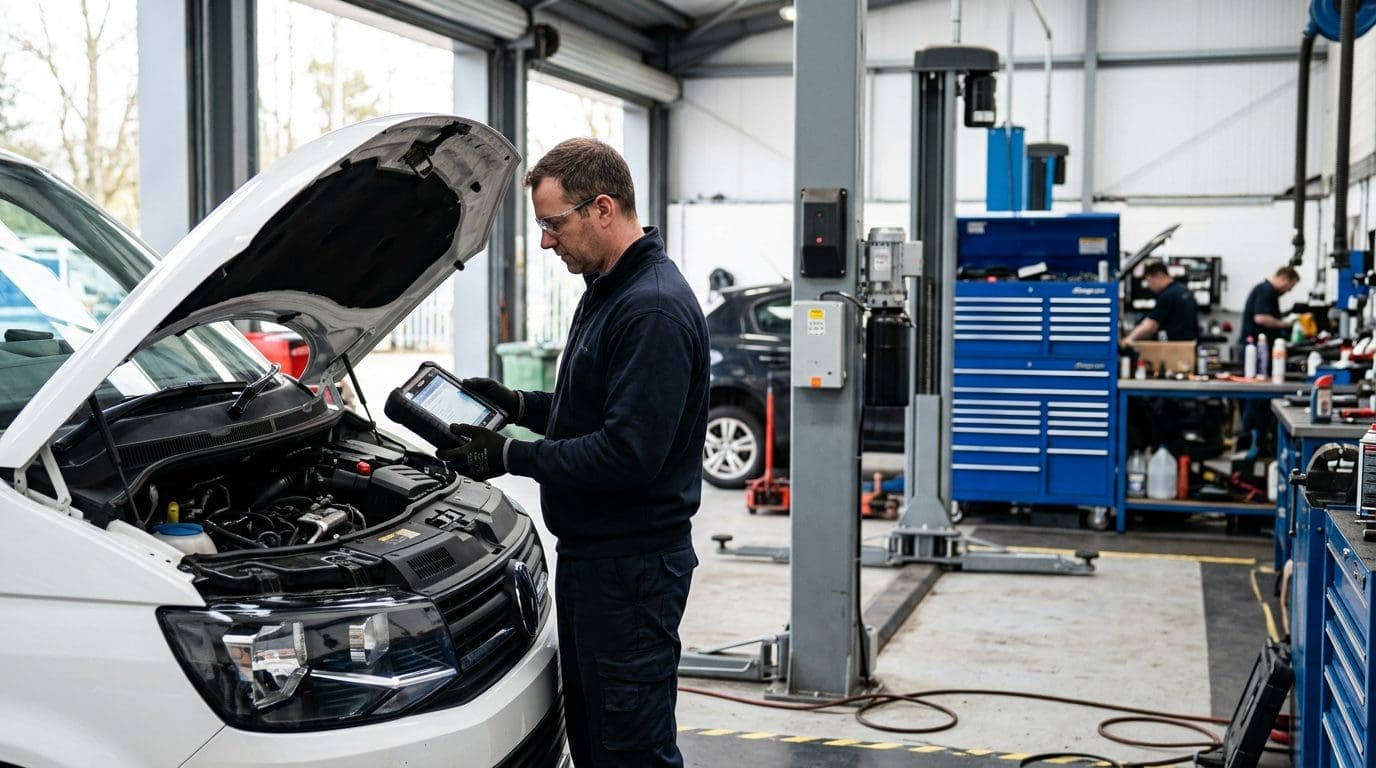
Table of contents
Jump to the exact logs you need for your fault type.
- Why live data beats code guessing save time
- Before you start setup + safety
- What to record every time core log set
- SCR / AdBlue live data pressure, quality, efficiency
- Engine-side live data air, boost, fuel
- DPF & regeneration live data load and behaviour
- Voltage & wiring checks false faults
- How to run the drive log 10-minute routine
- Common patterns and what they mean quick table
- What to do next repair path
- What we check first E-E-A-T proof
- Book a proper diagnosis Stoke-on-Trent
- FAQ logging questions
Why live data beats guessing from the code description
Fault codes are useful, but they’re not the full story.
A code name can point at a component even when the root cause is upstream.
On SID212EVO, you also get fault chains.
One failing check can trigger other codes later.
Live data shows you what SID212EVO is seeing in real time.
It shows whether the ECU asked for something, whether the system delivered it, and what changed when the fault triggered.
That’s the difference between a “maybe” fix and a fix that lasts.
What live data proves
- Requested vs actual behaviour (not just “a code exists”)
- Fault trigger conditions (load, temperature, speed)
- Whether the issue is intermittent or consistent
- Whether the fault is supply-side, sensor-side, or calculation-side
What code guessing causes
- Pump replaced when the issue is voltage, restriction, or heater behaviour
- NOx sensor replaced when the issue is exhaust leak or dosing behaviour
- DPF parts replaced when the fault is SCR enforcement
- Warnings returning after a “clear codes” reset
If you’re still unsure whether it’s SCR or engine-side, use:
SID212EVO AdBlue vs engine faults
Before you start: setup that makes your logs usable
You can log the right parameters and still get useless results if the setup is wrong.
This section is short on purpose.
Do these basics and your data becomes reliable.
Scan everything first
Pull stored and pending codes across engine and SCR.
Save the freeze-frame data.
Write down the exact dash message, and whether a countdown exists.
Stored + pending
Freeze-frame
Warm the vehicle to normal operating temperature
Many checks behave differently cold vs warm.
If the fault happens cold, log it cold too.
But still capture a warm log so you can compare.
Warm log
Compare
Log with a consistent routine
You need repeatable conditions.
A simple 10-minute route with one steady cruise and two gentle accelerations is enough.
You’re looking for the pattern, not a perfect lab test.
Repeatable
Pattern
What to record every time (core log set)
These are the basics you should always log.
They help you interpret everything else.
Without them, you can’t compare one drive to the next.
| Group | What to log | Why it matters | What “odd” looks like |
|---|---|---|---|
| Context | Engine coolant temp, intake air temp, ambient temp (if available) | Many checks change with temperature | Fault only happens cold or after long cruise |
| Load | RPM, vehicle speed, calculated load, throttle position | Separates idle behaviour from under-load failures | Fault triggers at a consistent load point |
| Status | Limp mode flag (if available), SCR active status, regen active status | Tells you which systems are running checks | Regen triggers the symptom, or SCR switches off |
| Electrical | Battery voltage (ECU supply), alternator charge status (if available) | Voltage instability creates false faults | Voltage dips when pump primes or under load |
If you’re working with common AdBlue codes, this supports the code-level view:
P20E8 / P204F / P20EE fault code guide
SCR / AdBlue live data: what to log for SID212EVO checks
SCR faults are usually one of three themes: pressure/supply, quality/logic, or efficiency/performance.
You want to log the signals that prove which theme you’re dealing with.
Even if your scan tool labels differ by model, the principle stays the same.
Pressure / supply theme (common with P20E8)
- Reductant system status (active/inactive)
- Requested dosing vs actual dosing (where supported)
- Reductant pressure (where supported)
- Tank temperature and heater status (where supported)
- Voltage at the time of prime/dosing request
You are looking for unstable behaviour: requested action without stable response.
Quality / plausibility theme (common with P207F)
- AdBlue quality flag/status (where supported)
- Tank temperature (quality logic can react to temperature)
- Refill recognition status (if your tool supports it)
- Any “adaptation” or “learned value” fields (tool dependent)
You are looking for a system that “doesn’t believe” the fluid state.
Efficiency / performance theme (common with P20EE / P204F)
- Upstream NOx (where supported)
- Downstream NOx (where supported)
- SCR catalyst temperature (where supported)
- Requested vs actual dosing (to see whether dosing changes match NOx response)
- Driving condition when fault triggers (steady cruise vs acceleration)
You are looking for a relationship: does downstream NOx improve when dosing is active and temperatures are in range?
If not, you may be dealing with sensor drift, exhaust leaks, dosing issues, or catalyst efficiency logic.

Engine-side live data: what to log for air, boost, and fuel faults
Engine-side faults often show as power loss, hesitation, or limp mode without a countdown.
Your goal is to capture “request vs reality”.
That proves whether the ECU asked for boost or airflow and whether it got it.
| Area | What to log | What it proves | Quick interpretation |
|---|---|---|---|
| Boost control | Boost requested vs boost actual, MAP (if separate), actuator command (if available) | Whether boost is being achieved | Big gap under load suggests leak, control issue, or sensor plausibility |
| Airflow | MAF, MAP, EGR position/command (if available) | Whether airflow matches expected combustion | Odd plausibility combos point to sensor/wiring or stuck EGR behaviour |
| Fuel demand | Rail pressure requested vs actual (where supported), injection quantity (tool dependent) | Whether fuel delivery matches demand | Pressure drops under load can create limp and “emissions” complaints |
| Temperatures | Coolant temp, intake temp, EGT (if available) | Whether the system is in the right operating window | Overheating or unusual temp behaviour changes strategies |
Supporting guide for the “loss of power” pattern:
Turbo boost problems and loss of power
DPF & regeneration live data: what to log to avoid blaming the wrong system
DPF and SCR faults can overlap.
Limp mode can feel the same.
But the live data usually separates them quickly if you log the right fields.
What to log
- DPF soot/load (where supported)
- Regeneration status (active/complete/aborted where supported)
- DPF differential pressure (where supported)
- EGT readings (where supported)
- Driving pattern around fault trigger (short trips, idle time)
What it usually means
- High load + aborted regens often drives limp mode
- Normal DPF signals but SCR enforcement suggests AdBlue path
- DPF issues tend to show regen-related behaviour changes
- SCR issues tend to show countdowns and reductant logic
Voltage and wiring: the quickest way to spot false faults
If you see multiple unrelated codes, intermittent comms faults, or faults that change with rain or cold,
check voltage stability early.
Pumps and sensors hate low voltage.
SID212EVO also hates inconsistent signals.
| Check | What to log | Why it matters | What to do if it’s off |
|---|---|---|---|
| ECU supply voltage | Voltage at idle, during crank (if possible), and during prime/demand | Dips can trigger false pump and sensor faults | Battery/charging test + earth checks |
| Connector condition | Moisture, corrosion, loose pins at key sensors/components | Creates intermittent plausibility faults | Clean/repair and re-test before replacing parts |
| Earth integrity | Earth points condition, tightness, voltage drop tests (where possible) | Poor earth mimics failing parts | Fix earth issues first |
How to run the drive log: a simple 10-minute routine
You don’t need a long drive.
You need a repeatable one.
Do this route and you’ll usually capture the conditions that trigger the fault.
2 minutes idle log
Capture stable baseline: temps, voltage, and system statuses.
This also helps spot sensors that are already “odd” before load.
3 minutes steady cruise
Use one steady speed.
This is where efficiency checks often run.
Watch NOx behaviour and whether dosing is active (where supported).
2 gentle accelerations
Not full throttle.
You want to see boost request vs actual, airflow plausibility, and whether the fault triggers under demand.
1 minute cool-down log
After the fault triggers (or after the routine), capture statuses again.
It helps confirm whether the system changed mode (limp, regen, SCR off).
Common patterns and what they usually mean
Use this as your quick interpretation map.
You don’t need perfect numbers to spot a pattern.
You need consistent behaviour across the same conditions.
| What you see in live data | Usually points to | What to check first | Next step |
|---|---|---|---|
| SCR requests action, but response looks unstable or drops out | Pressure/supply theme, voltage, heater behaviour, restriction | Voltage stability + heater/tank temp signals | Confirm supply path before buying parts |
| NOx relationship doesn’t improve under conditions where it should | Efficiency/performance theme | Check for exhaust leaks and sensor plausibility under load | Prove which part of the chain is failing |
| Boost requested is much higher than boost achieved under load | Boost control or leak issue | Leak checks + actuator control behaviour | Fix airflow/boost before chasing emissions symptoms |
| High DPF load / regen abnormalities line up with limp mode | DPF/regeneration theme | Regen status, differential pressure plausibility | Fix regen root cause before clearing faults |
What to do next once you’ve logged the data
Your logs should push you into one clear bucket.
Once you know the bucket, you can follow the right repair path and stop repeat fixes.
If you want the shortest route, book diagnosis while you still have the symptoms present.
If it looks SCR-related
- Save the scan report + freeze-frame
- Save screenshots of the key live data screens
- Note the exact conditions when it triggers
- Use the AdBlue/SCR path before replacing parts
Start here:
AdBlue solutions
If it looks engine-side
- Keep the request vs actual graphs or screenshots
- Focus on airflow/boost/fuel plausibility first
- Fix the root cause, then re-run the same 10-minute routine
- Only then check whether the “emissions” message returns
Supporting read:
Turbo boost loss of power
What we check first (E-E-A-T proof)
You should know how we approach SID212EVO faults.
We diagnose first, then fix what failed, then prove the check now passes.
How we work
- Tools we use: pro scan tools, live data capture, voltage/wiring testing
- Typical diagnosis time: 60–90 minutes for a clear fix route
- What we check first: full scan + freeze-frame, then live data under trigger conditions
- Service area: Fenton, Stoke-on-Trent. Covering Staffordshire, Staffordshire Moorlands, and Cheshire East
Sister company link
If you want deeper AdBlue fault-code coverage across brands, use:
AdBlue Specialist
Want a proper SID212EVO diagnosis in Stoke-on-Trent?
Tell us your model, your exact dash message, and what you logged.
We’ll scan it, review the live data, and give you a fix route that stops repeat faults.
Call 074040 22260
Book via contact page
Based in Stoke-on-Trent. We cover Staffordshire, Staffordshire Moorlands, and Cheshire East.
FAQ: SID212EVO live data logging
Do I need a dealer tool to log live data?
Not always. Many pro-level scan tools can log the core parameters.
The important part is logging the right groups (context, load, status, voltage) and capturing the trigger conditions.
How long do I need to log for?
Usually 10–20 minutes is enough if you use a repeatable routine.
If the fault only appears after a long cruise, log a longer run to capture it.
Should I clear codes before logging?
No. Log first. Clearing can remove useful freeze-frame data and change how the system behaves.
Capture the evidence, then decide the repair route.
What if my tool doesn’t show reductant pressure or NOx values?
Log what you can: system statuses, temperatures, requested vs actual behaviours, and voltage stability.
Even without every parameter, patterns still show up when you capture the trigger conditions.
If you want deeper AdBlue fault-code coverage across brands:
AdBlue Specialist


