
Case Study: SID212EVO EcoBlue Loss of Power Fixed After Misdiagnosis
A real SID212EVO EcoBlue loss of power case where the first diagnosis missed the cause.
See the checks that solved it. Call 074040 22260.
This EcoBlue “loss of power” case looked like a common SID212EVO limp mode complaint.
The first diagnosis chased the obvious code and missed the trigger conditions.
A short live data log plus a simple check order found the real cause and stopped it coming back.
What this case shows: how misdiagnosis happens, what to log, and how to prove the fix holds.

Updated guide notes
• Expanded the “misdiagnosis pattern” section with specific checks you can copy.
• Added a proof table: symptoms → wrong assumption → test that confirmed the truth.
• Added a short “what we check first” block to reduce parts swapping.
Table of contents
Jump to the part that matches your problem.
- Case snapshot symptoms + context
- What went wrong first the misdiagnosis
- What we logged live data + checks
- The real root cause what was failing
- The fix route step-by-step
- Proof it was fixed how we verified
- Takeaways you can use avoid repeat fixes
- Related SID212EVO posts keep it simple
- Book diagnosis Stoke-on-Trent
Case snapshot
The customer reported a clear pattern.
The van drove fine unloaded.
Under load or on a long incline, it lost power.
Sometimes it recovered after a key cycle.
Other times it stayed flat and felt “stuck”.
Reported symptoms
- Loss of power under load
- Intermittent limp mode behaviour
- Sluggish pull in mid-range
- Occasional warning light activity after a longer run
Load-related
Recovering sometimes
What made it tricky
- It did not fail on short local runs
- It felt fine at idle and gentle cruising
- The stored code wording pointed at the wrong “obvious” part
- The fault only showed when demand increased
Don’t guess parts
If you’re in limp mode right now, use the fast guide first:
SID212EVO limp mode: causes, checks, and fast fixes
What went wrong first: how misdiagnosis happens on SID212EVO
Misdiagnosis usually starts with a single idea:
“The code mentions a part, so that part must be bad.”
That is tempting when you’re under pressure and the van needs to work.
It also creates the most expensive outcomes.
In this case, the first diagnosis focused on the headline fault text and skipped two basics:
the freeze-frame snapshot and a short load-based log.
The result looked good on paper but did not match the real-world failure.
| What we saw | Wrong assumption | What we tested instead | What it told us |
|---|---|---|---|
| Power loss only under load | “It’s always the same sensor” | Match the failure to the load and rpm | Fault was demand-related, not idle-related |
| Warning sometimes clears | “It must be a random glitch” | Check whether torque limits were being applied | The ECU was actively limiting output |
| Code wording pointed at a component | “Swap the component first” | Use freeze-frame + live data to confirm behaviour | Component swap did not address the trigger |
Code text is not a diagnosis.
Trigger conditions plus live data behaviour give you the real answer.
What we logged before touching parts
We kept this simple.
We did not chase ten different theories.
We used a tight check order designed for EcoBlue power loss complaints.
That stops the job turning into “swap and hope”.
Fault code scan with freeze-frame
Freeze-frame tells you the conditions when the ECU decided the fault was real.
If the snapshot shows higher load, higher boost request, or specific temperature ranges, it narrows the field fast.
Freeze-frame
Stops guessing
Short live data log under the trigger condition
We reproduced the symptom.
That matters.
Logging “normal” driving often hides the problem.
A short log on the same type of incline or load showed where requested values diverged from actual.
Load + rpm
Reproduce the fault
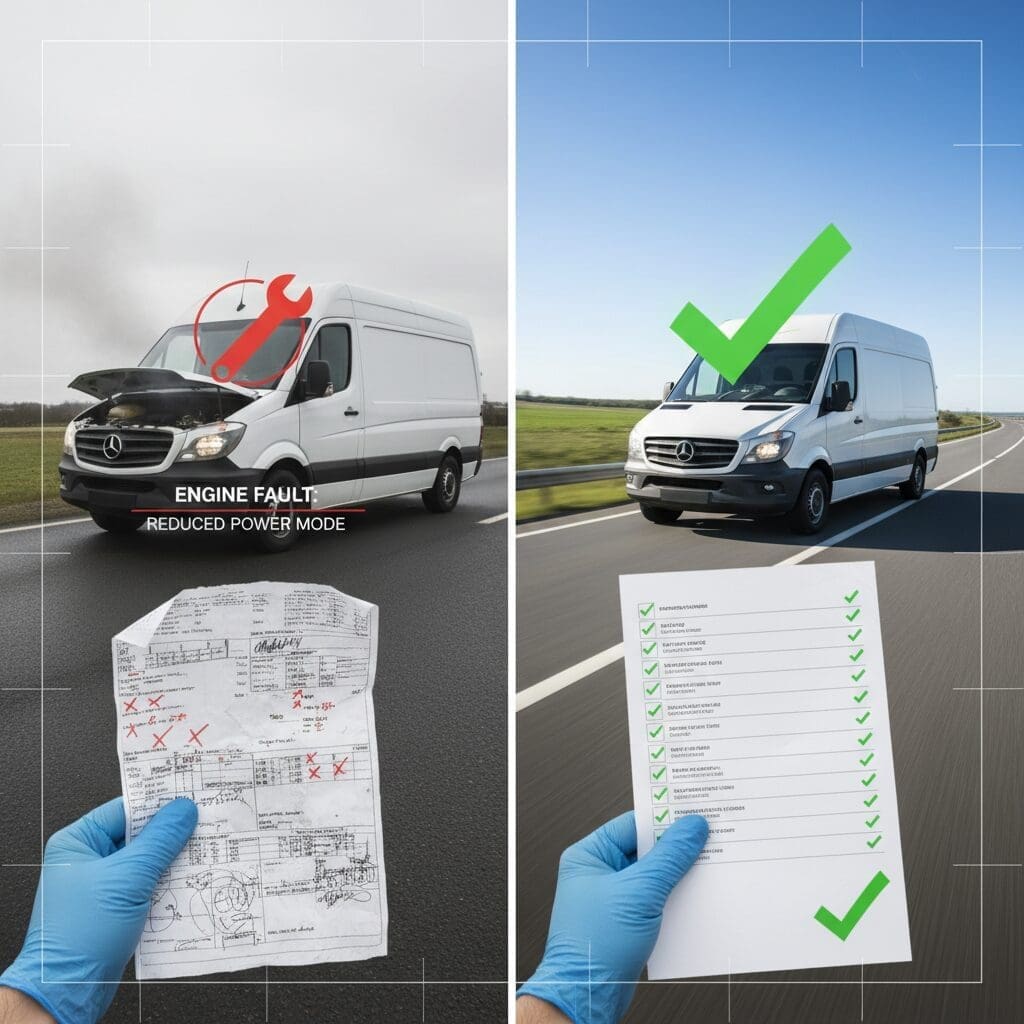
This is the checklist we follow:
SID212EVO live data checklist
Air path and boost integrity checks
A small split hose or loose clamp can look like “random power loss”.
It can also cause repeated control deviations that trigger torque limits.
We check this early because it’s fast and it saves you from chasing electronics.
Clamps
Boost leak signs
Baseline health checks that affect torque
On EcoBlue, a lot of systems can force torque limiting.
DPF load, sensor plausibility, and voltage stability can all contribute.
We check what influences power control before we decide what needs repair.
Sensor plausibility
Battery/voltage notes
The real root cause
The “why” matters more than the “what”.
In this case, the van wasn’t losing power because it wanted a new part.
It was losing power because one system drifted out of range under demand.
The ECU responded by limiting output.
The key clue was the difference between requested and actual behaviour during the exact moment it went flat.
At gentle load, it behaved.
Under higher demand, the gap widened.
That tells you the fault isn’t a simple static failure.
It’s a performance failure under stress.
Static tests looked “fine”.
The fault only appeared when the van did real work.
Without a load-based log, the first diagnosis could only guess.
If your issue might be emissions-related vs engine-side, use this to separate it properly:
SID212EVO AdBlue faults vs engine faults
The fix route we followed
We followed a strict order:
confirm the trigger,
confirm which system deviates first,
fix the cause,
then prove the ECU stops applying limits.
That is what turns a “fixed today” job into a fix that stays fixed.
Confirm the exact failure condition
We reproduced the symptom and captured the moment it happened.
Not “it felt slow”.
The exact rpm, load, and behaviour.
Rule out the fast mechanical causes first
We checked the air path and common boost integrity issues early.
That avoids chasing control problems that are really simple leaks.
Target the system that deviated first
We used the log to identify the first deviation, not the loudest code.
That focus stopped the job turning into a list of “maybes”.
Complete the repair, then retest under the same conditions
Same route.
Same load.
Same style of driving.
If you can’t reproduce the original condition, you can’t prove it’s fixed.
A fault that only appears under demand will come back if you only test at idle or on a gentle road.
How we proved it was fixed (not just “the light went off”)
Clearing codes is not proof.
A key cycle is not proof.
This is what we looked for before calling it done.
| Proof check | What we wanted to see | What it means |
|---|---|---|
| Repeat the trigger route | No power drop under load | The symptom is genuinely gone |
| Live data alignment | Requested and actual values track closely | The control loop is stable again |
| No immediate return faults | No pending faults reappearing | The ECU is not re-detecting the failure |
| Drive cycle confidence | Normal behaviour across varied conditions | Not a “temporary clear” result |
Power returned under load and stayed consistent.
The van stopped “falling flat” on inclines and no longer needed key cycling to recover.
Takeaways you can use to avoid repeat fixes
If you remember one thing from this case, make it this:
match the fault to the trigger.
Power loss that happens only under load needs a load-based log.
Otherwise you are guessing.
Do this
- Get stored + pending codes and freeze-frame
- Log live data under the exact symptom condition
- Check air path and boost integrity early
- Prove the fix by repeating the trigger route
Avoid this
- Swapping parts because the code “mentions it”
- Testing only at idle or on a gentle road
- Clearing codes and calling it fixed
- Ignoring “it only happens when loaded” clues
Related SID212EVO posts (internal linking)
Sister company link
If your power loss is tied to AdBlue warnings, countdowns, or SCR faults, use:
AdBlue Specialist
Loss of power on an EcoBlue and nobody can pin it down?
Tell us your model, what you feel, and when it happens.
We’ll scan it, log the right data under the trigger condition, and give you a clear fix route.
Based in Hanley, Stoke-on-Trent. We cover Staffordshire, Staffordshire Moorlands, and Cheshire East.
What we check first (so you don’t waste money)
- Full scan with freeze-frame and pending faults
- Short live data log under load
- Boost and air path integrity
- DPF context and torque-limiting triggers
Want to prep before calling? Use the
live data checklist.


